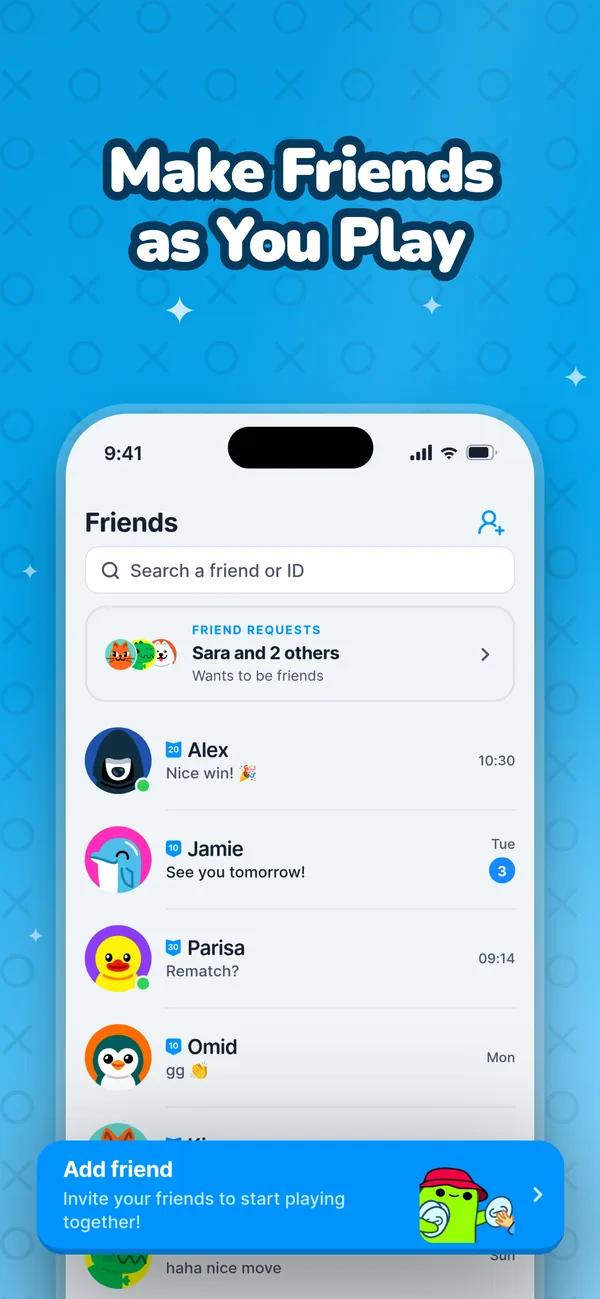















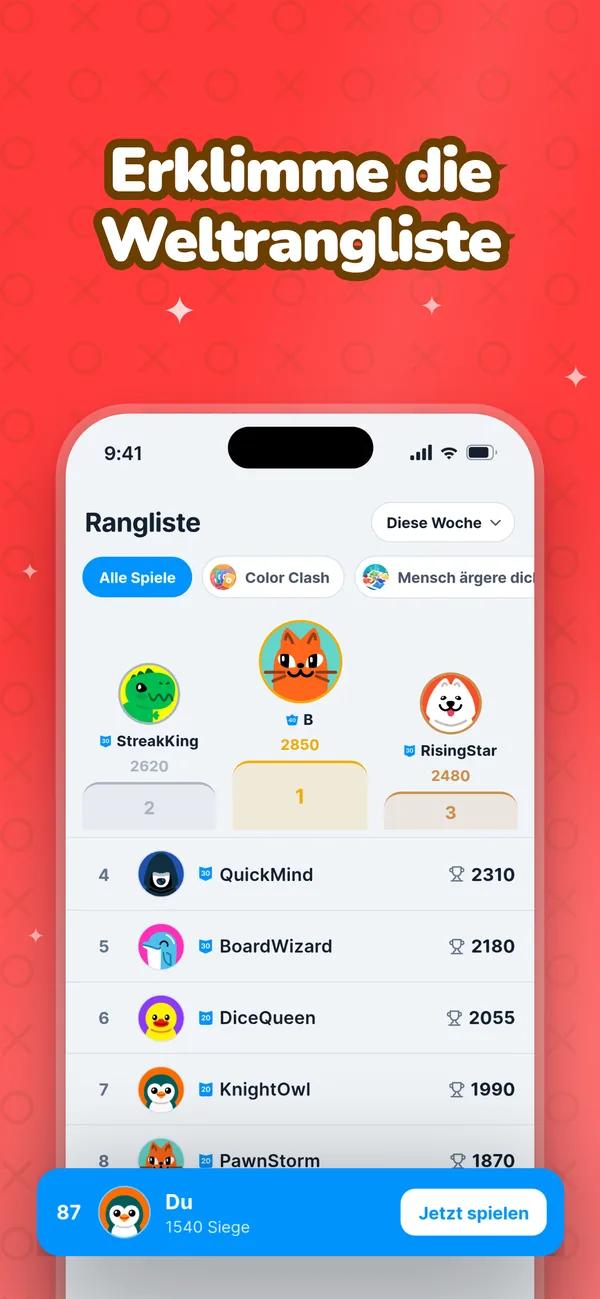













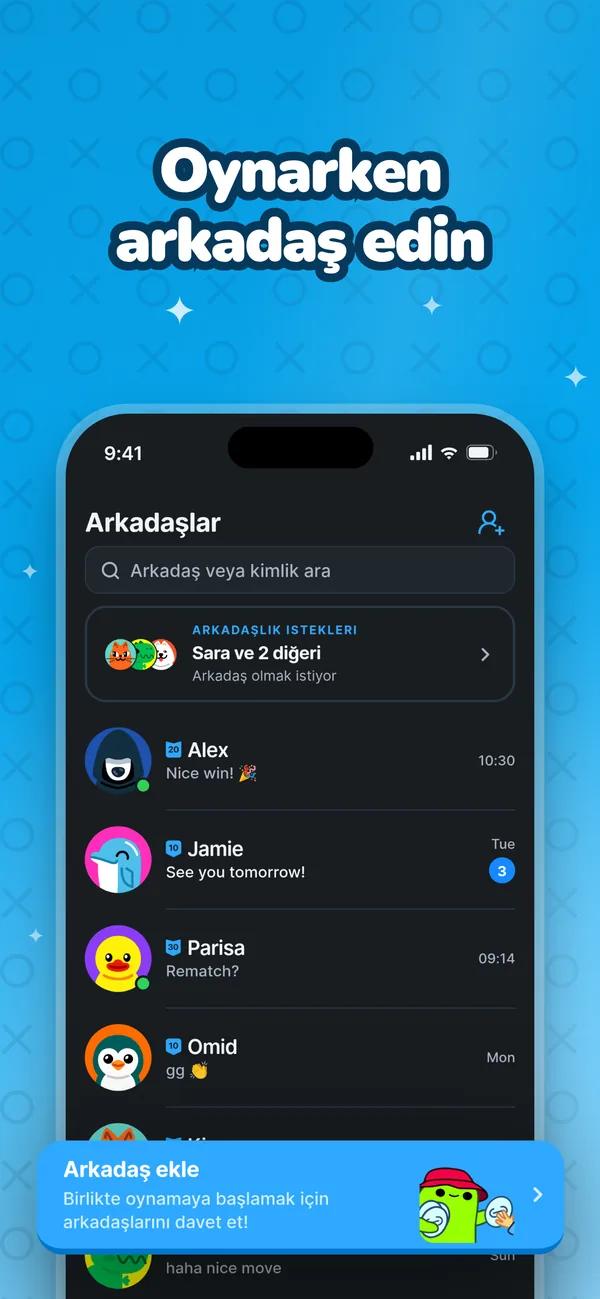





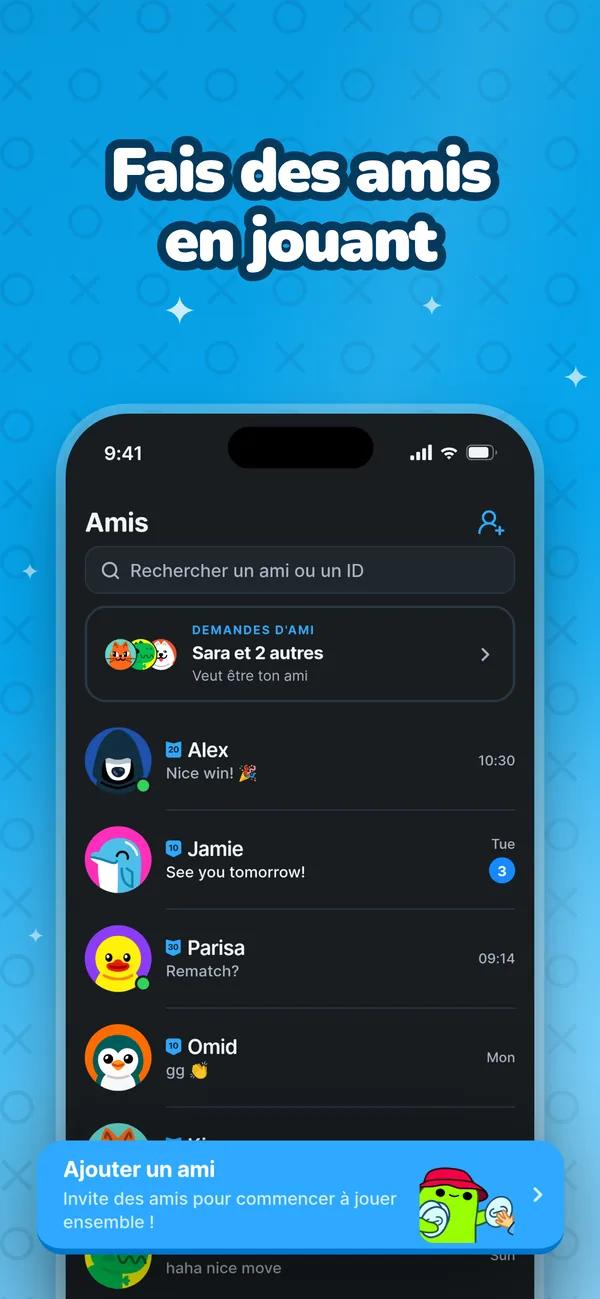


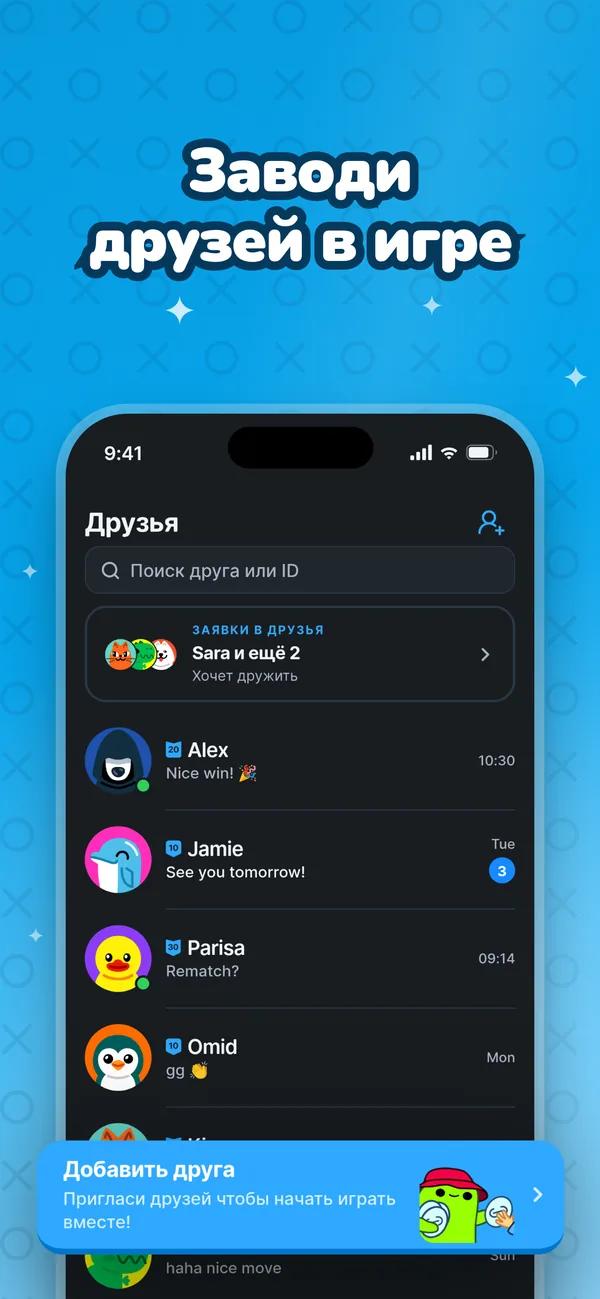
Play all of your favorite games with friends
Say it in words.
Describe a change and your AI makes it. One reply, one undo step, and the screenshot updates in front of you.
 that sell.
Capture your real screens, shape them by chatting with your AI, and export a polished set in every store language — all in one native Mac app.
Every page in every language, rendered live.














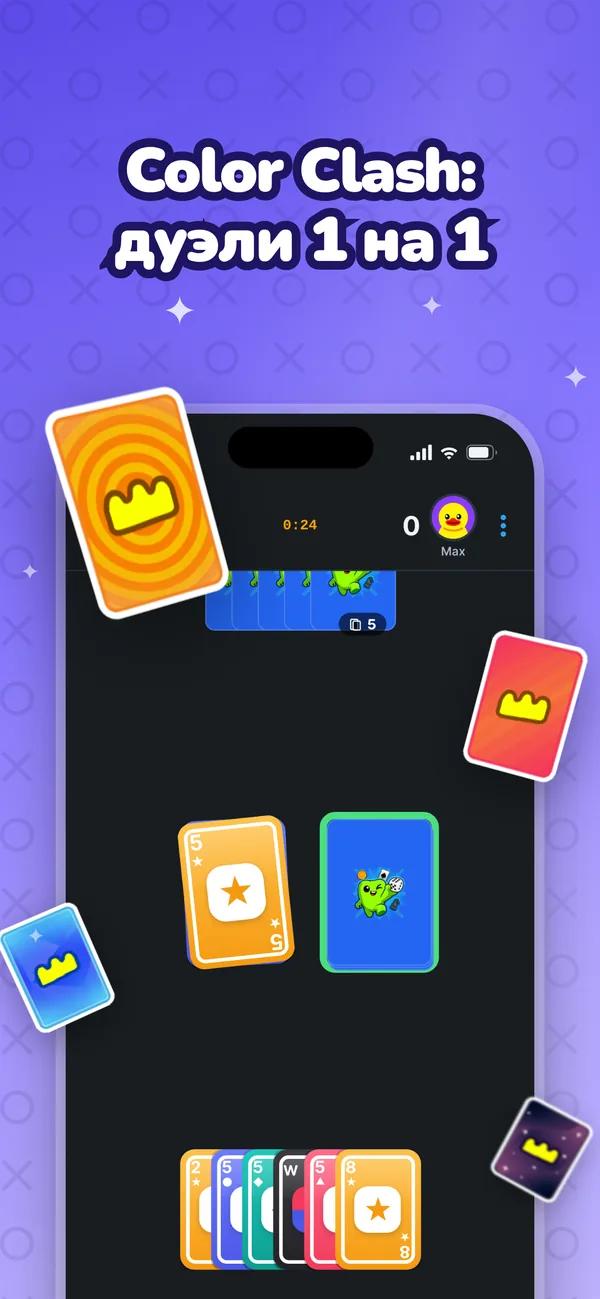
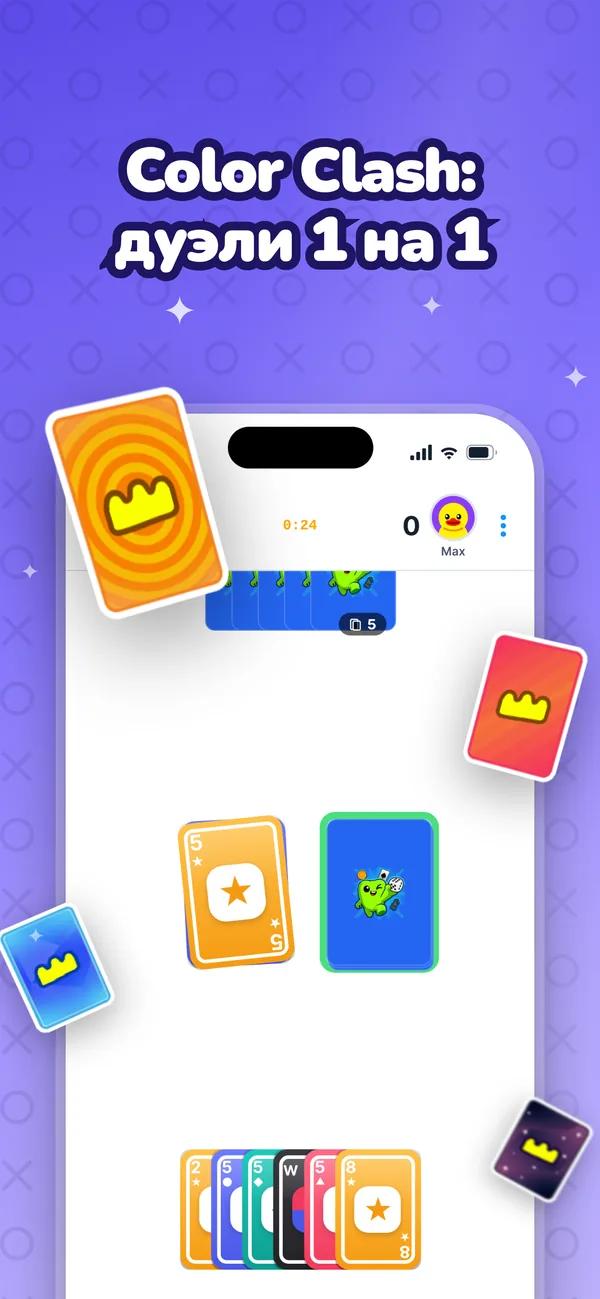




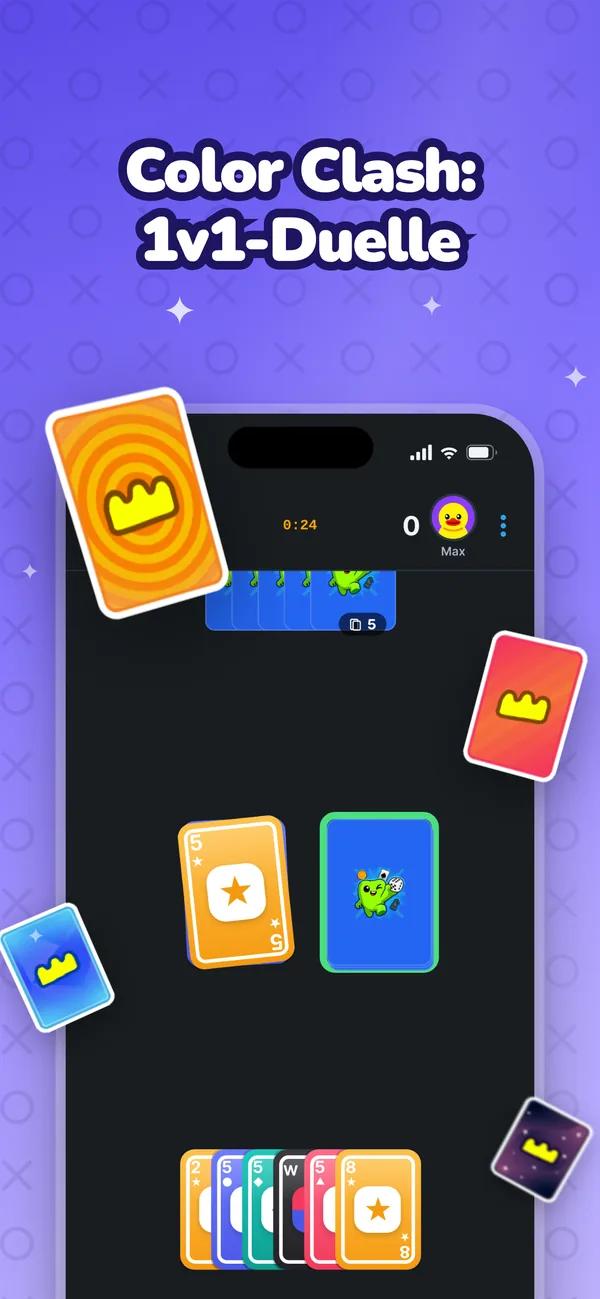
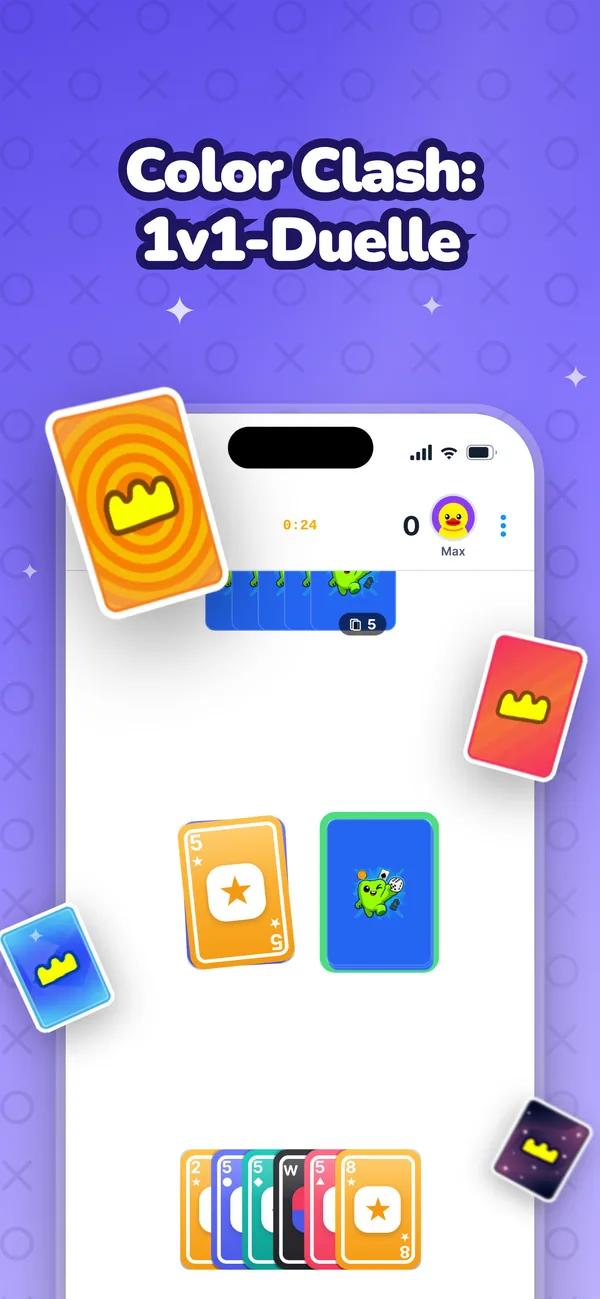
















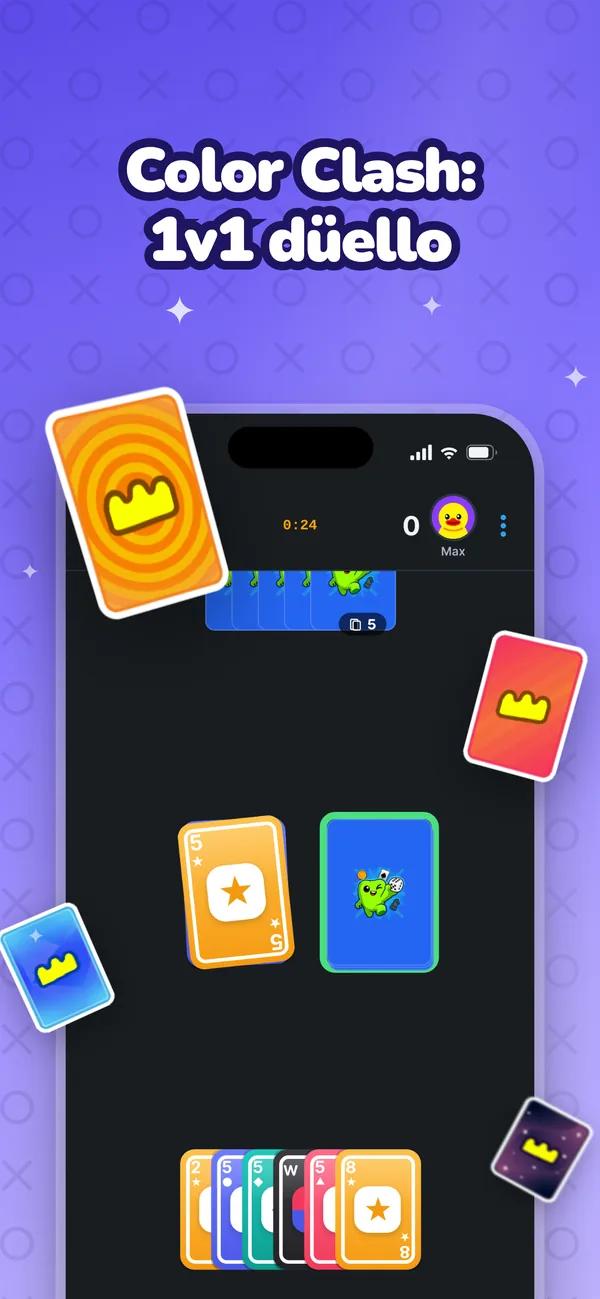
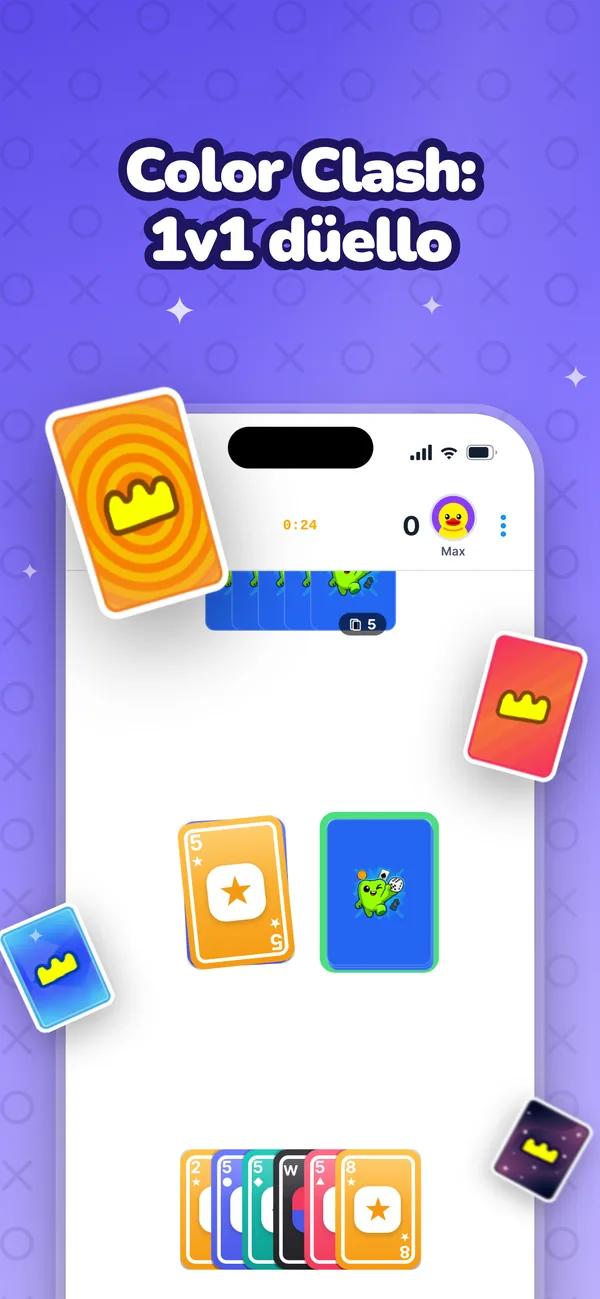








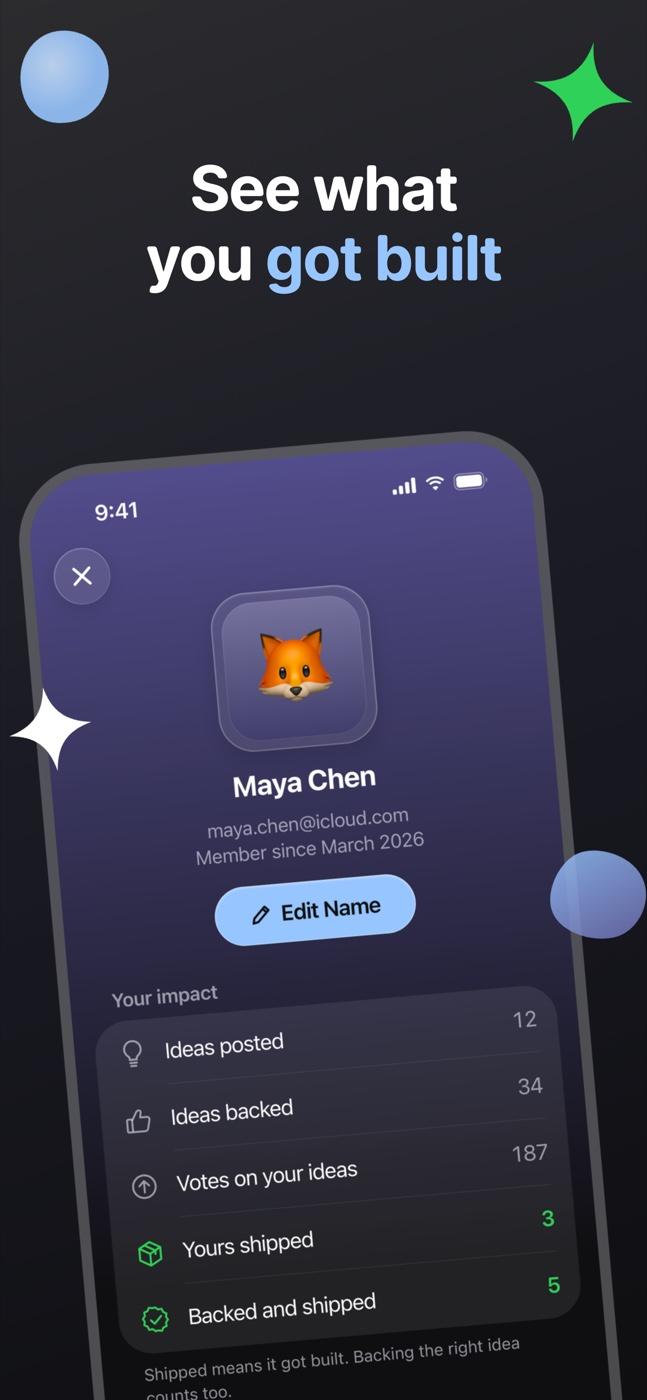
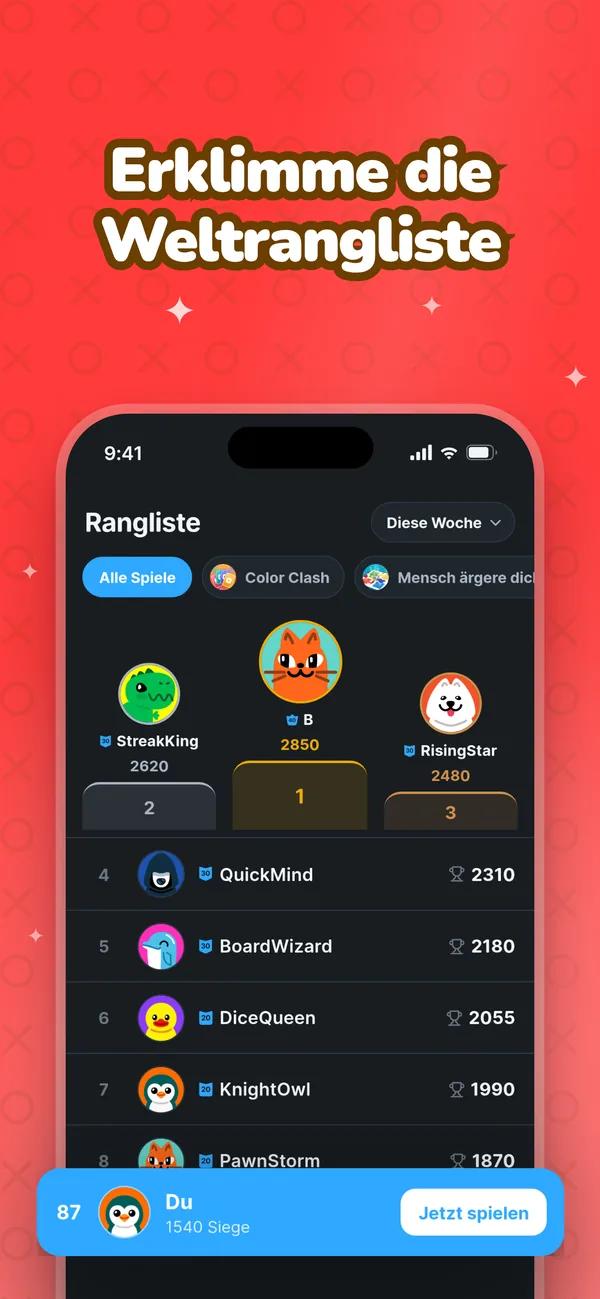
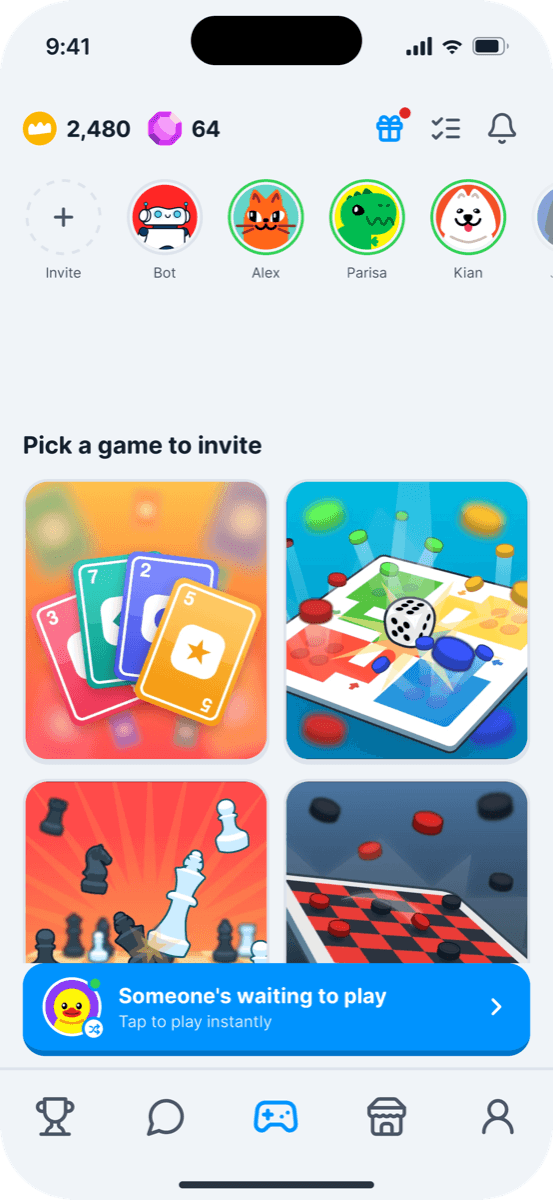
Bawzi’s launch set — 8 languages, light and dark, all made with Shotie.




The parts that do the hard work: edits you ask for in words, text that is measured in the real render, and every store language from one set.
Play all of your favorite games with friends
Describe a change and your AI makes it. One reply, one undo step, and the screenshot updates in front of you.
Every title is checked in the real render: does it fit, and is it readable.
Choose them once. A set follows the store’s language list, even as it grows.
Paste a link and Shotie brings in the app’s name, icon and developer. Everything after that happens on your Mac.

Bawzi
Bawzi
The app arrives with its real name, icon and developer.
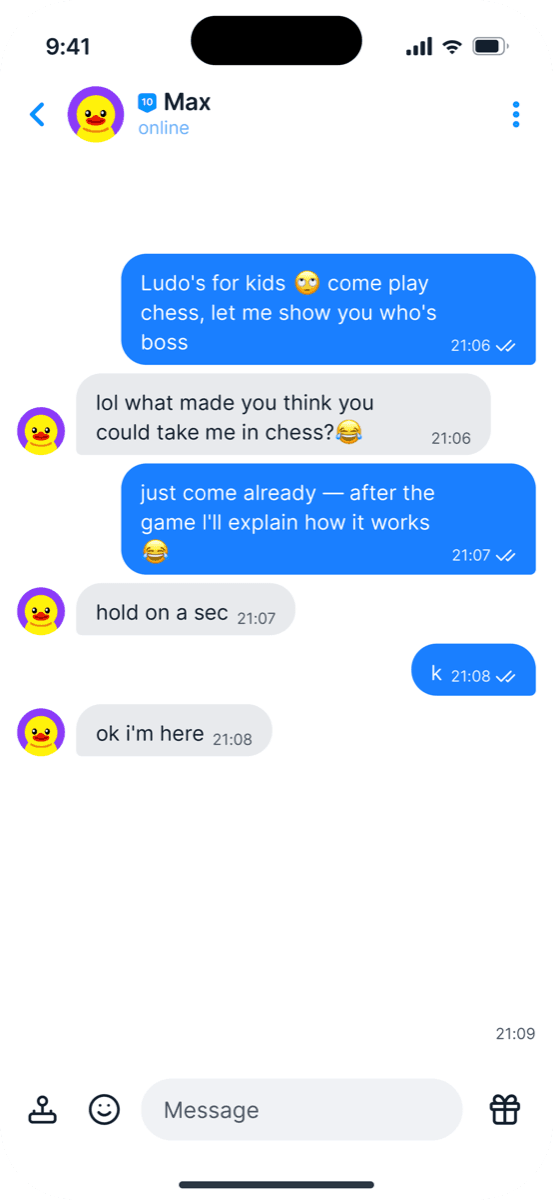
Take them from the Simulator, or let your AI recreate each screen from your code.
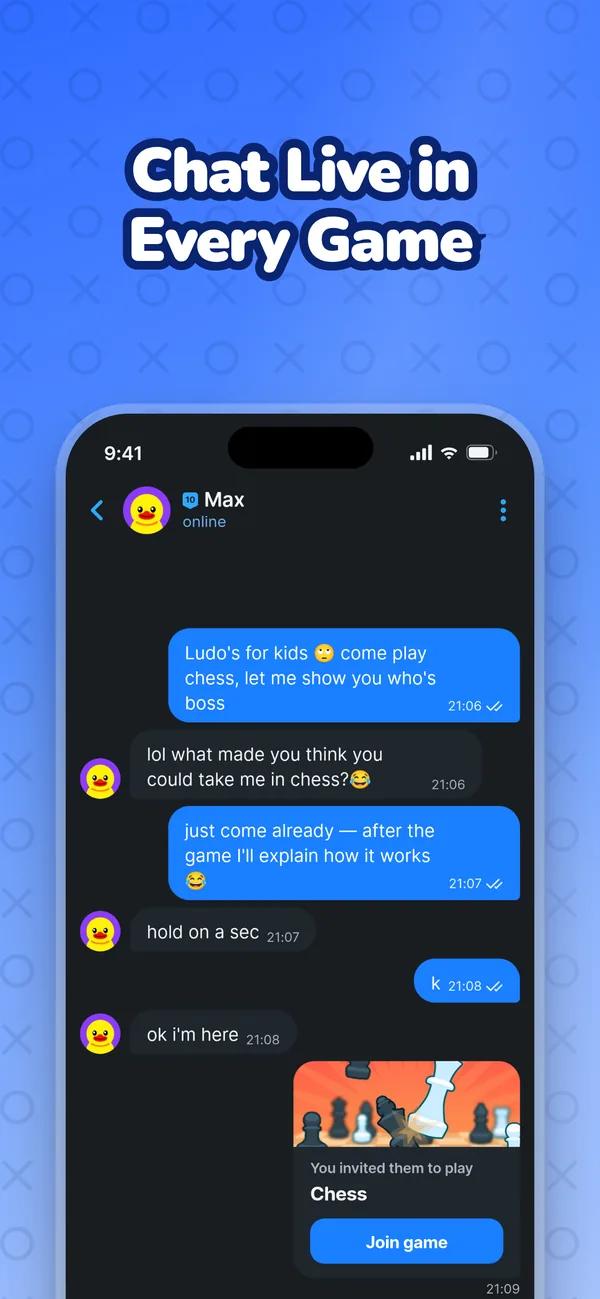
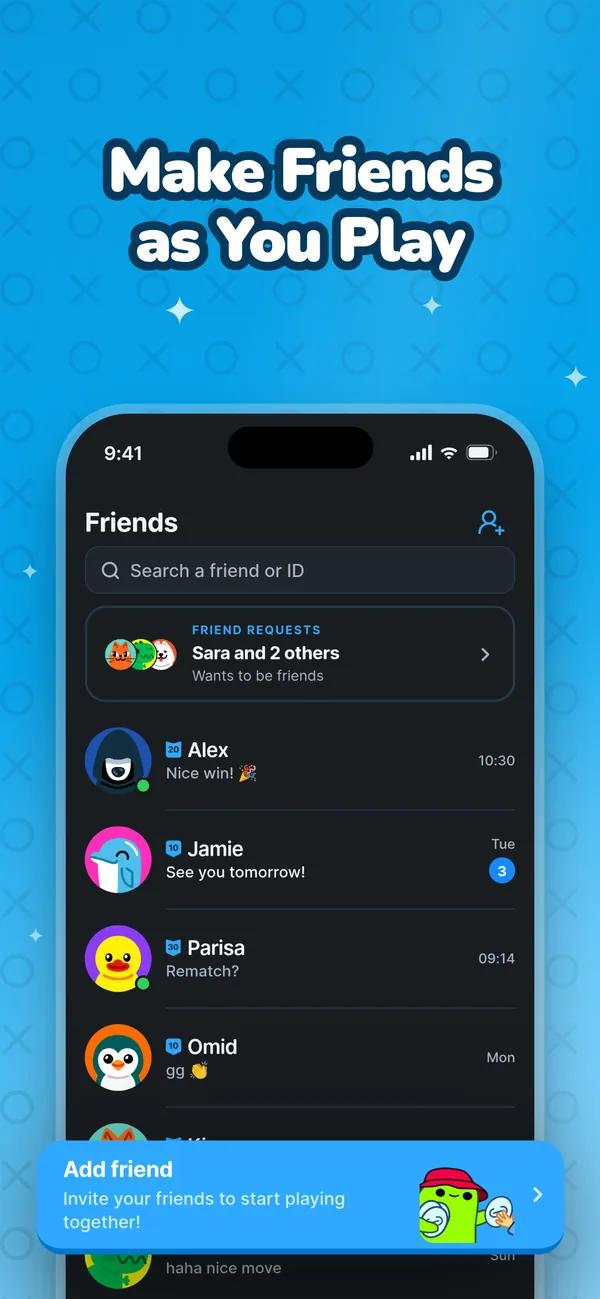

Every page in every language, in one zip.
Apple lets you A/B test your product page and build custom pages for every ad and audience — but each version needs its own screenshots, in every language. Shotie makes that the quick part.

Bawzi
Play games with friends
Original: Your current screenshots
Every feature in both plans. Pay yearly, or once and keep it for good.
Just €2.08 a month
Everything in Shotie, renewed once a year. Cancel anytime.
One payment, no renewal
Pay once and keep Shotie for good, including every update.
AI edits run on your own Claude Code, Codex or Gemini CLI plan, sold separately. Taxes may apply.
The AI coding tool you already have — Claude Code, OpenAI Codex (ChatGPT) or Gemini CLI — run read-only in your project. Capturing, editing in the inspector, the checks and export work without any AI.
Any Mac on macOS 26 or later. The interface is built on Liquid Glass, which starts there.
Yes. Upload a screen for each page — light and dark if your app has both — or capture it straight from the iOS Simulator or an Android emulator.
Everything in Shotie, for one payment of €59.99 with no renewal, including future updates.
 English
 فارسی
فارسی Русский
 Türkçe
 日本語
日本語 Deutsch
 Español
 Français
 한국어
한국어 Português
 Italiano
 中文
中文 العربية
 Nederlands
 Svenska
 Polski
 Tiếng Việt
 Norsk
Norsk